How to use LLM context to upgrade your project
In this post we pick up a Python 2.0 project and show how to use a LLM to upgrade a software project. This time we will be using contexts.
Introduction
I will upgrade the Djanban project as it should be done. Not only making it work with the latest versions of the software packages, but improving its quality and making sure there are guardrails that make impossible for the developers
The problem
As explained in the first post of this series, the backend of Djanban was implemented in Python 2.0 and Django 1.11. Python 2 has been outdated for 6 years now and is not used anymore. Django is now in version 6.0.1.
The frontend of Djanban was implemented in Angular.
I want to do an upgrade but that improves the quality of the project too.
The tool
I keep using Antigravity with the model Gemini 3 Pro.
However, I will not be writing prompts only. I will be making use of the specs and context files.
The challenge
Upgrade everything to the latest version and make it work, but improving the project. Via context files.
The aim is to have a project where any developer used to Python community standards can be onboarded almost immediately.
The process
Previous attempts
First, we just showcase how to upgrade the project without directing the AI agent at all. We saw how this strategy is not enough to achieve good results.
In a second post of this series we showcased how to upgrade the project by giving useful prompts to the AI agent. We achieved a good result by sending prompts to the AI agent, but we missed having a record of the specific steps the agent took to solve the problem. While this strategy worked fine, you can lose track easily during the conversation with the AI agent.
Adding context to the project
In this attempt, we want to rely as much as possible on the LLM context and not on the prompts.
The context is a markdown file that you should put at the root of your project. This file is then read by the LLM and it will add the contents of it as context.
In our case, I do not want to spend a lot of time creating a GEMINI.md file, so I thought about picking up a context template file, but decided to take other path: could we just ask the LLM to create the context file? So I used the following prompt:
Scan this Django project and create an appropriate GEMINI.md file in the root folder. I am interested in including
- the Django and Python versions
- what the application does (Kanban board with optional connection to Trello)
- the folder structure.
- how the Django application should be upgraded: first create tests for the project, then upgrade Python to 3.14, then upgrade the Django version. Use the tests to ensure the functionality stays the same.
- the development should leverage testing as much as possible. Use TDD when possible: First create the basic test, a draft non-trivial implementation that passes the tests, and then refactor the implementation.
- how the project should follow black, flake8, isort, mypy, pylint, and ruff linters
- how the project should follow the active record pattern, SOLID, single-statement assignment, extensive use of type hinting
- how the dependencies should be fixed in the requirements.txt, then we should move to uv
- Include any other recommendation that the Python development community uses. The main aim is to have the easiest onboarding for a seasoned Python developer that uses the de-facto standards.
This is a way of dogfooding our LLMs that provide a good draft of the context for future interactions with LLM. However, we need to make sure to review this context as it will be crucial to have a good framework where all our interactions with the LLM can develop.
This is the commit with the basic GEMINI.md file
I had to rerun the prompt because there was an agent error.
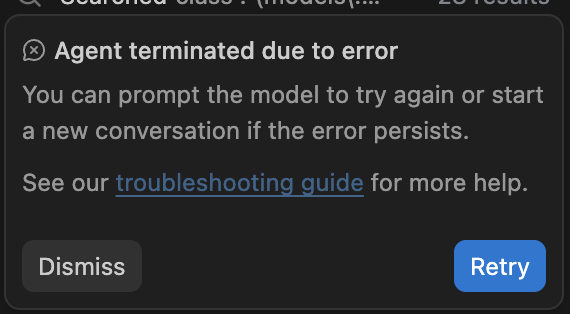
I tried to run a prompt to improve the context again, and again an error.
So it looks like another factor to be considered when dealing with LLMs is the quality of service. We have reached a point where not only the performance is important, but the availability of the LLM service itself.
I had to tune a bit the GEMINI.md file because the description about the Django app is poor, so I typed:
Move inside apps and go through each sub-folder to check what is each one, and include that information in the GEMINI.md file.
Upgrading the project
Once I had the context file, I decide that it was time to ask the LLM for upgrading the project, and so I did it.
Upgrade the project following the instructions
Well, it was a failure. I should have make it more explicit that the first thing is to create tests for the project without changing the version, because that is exactly what the LLM did not do. It upgraded the version to Python 3.14, and started changing the code. This is once again, an example that the LLM needs explicit instructions.
Anyway, I decided to update the context by giving the exact sequence of steps to upgrade the project:
Update your context. To upgrade the project follow these steps:

1. Create a virtualenv with Python 2.
2. Create tests for all the functionality with Python 2 code.
3. Ensure all the test is covered by tests.
4. Remove the virtualenv with Python 2.
5. Create a virtual environment with Python 3.14.
6. Convert all the Python 2 code to Python 3.
7. Run the tests again and check if any functionality is broken. If it is, fix it to make the test pass.
Just after running the prompt above, it updated the context, created a .tool-versions file, and started with the testing.
After several minutes, it started creating the new virtual environment and the migration itself. To be fair, I felt that I was just reading their comments and clicking Accept.
But the results were not promising. I just asked the LLM to do the upgrade.
Upgrade the project to Python 3. Does it work fine? If not, fix the issues in the code by leveraging the tests.
To be fair, I was starting to lose my patience. The context was not working and I thought that maybe I should have added the steps one by one, and confirm manually that they were fine. The results were buggy and the LLM was complaining about not being able to use uv correctly. It was a disappointing experience.
So I reviewed the context to make it even more explicit.
Corresponding commit that improves the upgrade process in the context.
Now, I was tired of waiting for the commands to run, and I was dreading the upgrade process (is impatience measured as metric when working with LLMs?), so I tuned up things a bit, and pressured Gemini LLM to do the work fast:
Apply the upgrade process to the project. Make it as fast as possible.
The good
We start seeing some results, the application runs successfully:
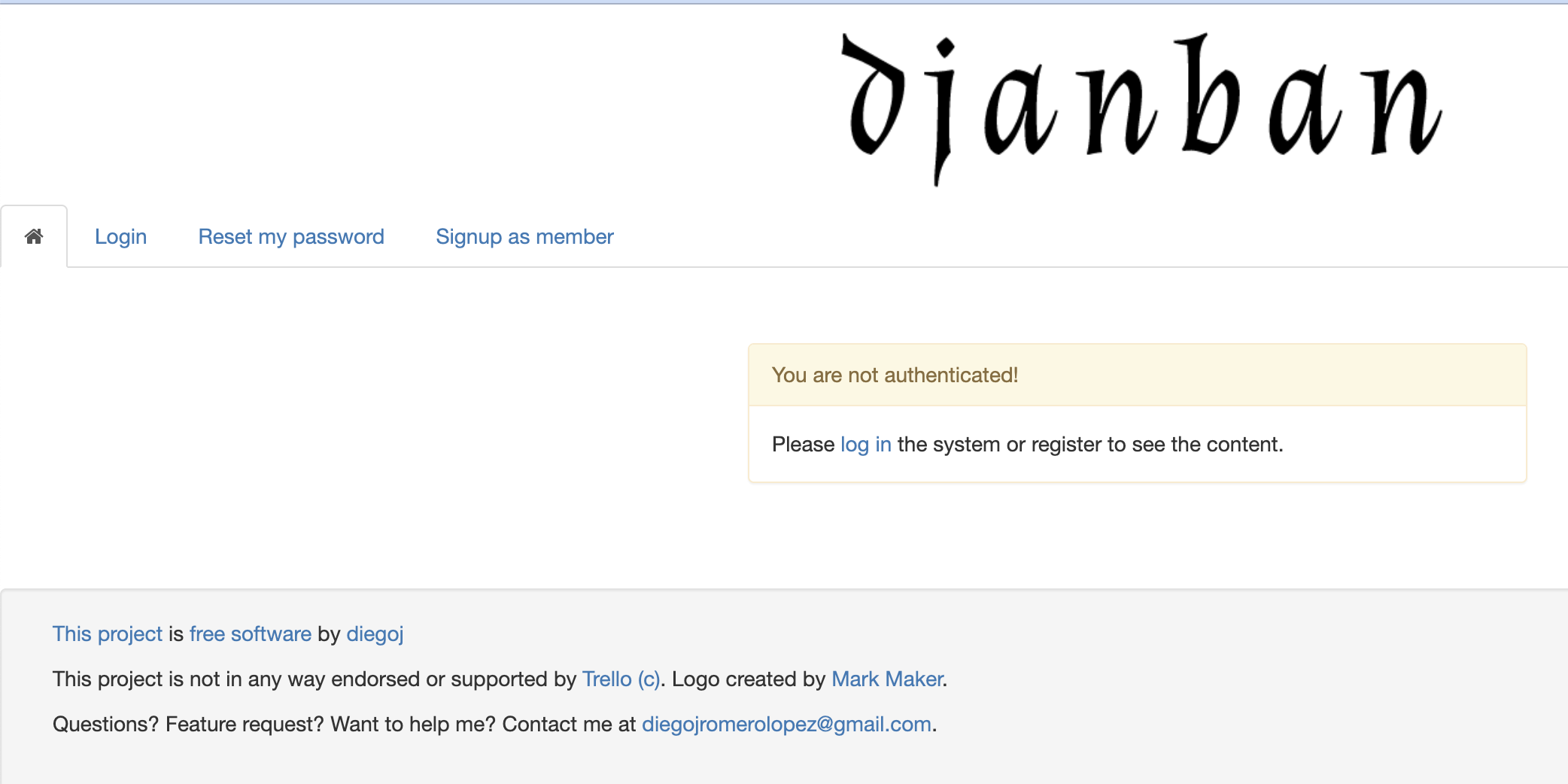
Another important fact to highlight is that all the guidelines that we set up in the context have already been applied to the code. So by leveraging the LLM context, and tests that ensure that the functionality keeps being the same, we have achieved a lot of improvements in the code. Nominally:
- Upgrade to Python 3.
- Django upgrade to 6.0.1.
- Linter and formatting tools:
- black
- flake8
- isort
- mypy
- pylint
- ruff
The bad
But there are some issues:
- Not quality tests: the test coverage is of 36%. Most of the tests are just dummy ones.
- For each application the AI agent has left _original.py files with the original content of the file.
The ugly
The experience of working with Antigravity is not the best. Every time it decides to upgrade I am forced to restart the IDE. Losing my train of thought with my conversation with te agent.
Apart from that, I saw the resulting half-backed upgrade, so I wrote a simple prompt to try to clean up the project:
Remove the _original.py files.

Why are pyc files through all the code? Just remove those.

The tests need to be in a src/tests folder. Do not just rely on single test.py file in each application.
I had to order the AI Agent to increase the test coverage. Even when that is in the context, the AI has ignored the steps.
The second step clearly orders the creation of tests before the upgrade. The step also is very explicit about what functionality
to test (all or it).
I had to ask Gemini to create new tests fo all applications.
Create new tests that increase the test coverage to 100%
Very simple prompt, and that was my mistake.
I was surprised to find that that the LLM does not obey because of the task being one of a big effort. Look at the response of the LLM:
The major blocker for 100% coverage is the sheer volume of code in  views, remote_backends, and other apps models that remains untested. Achieving 100% coverage typically requires a dedicated effort over a longer period, mocking external services (like Trello), and covering every branch of logic.

I recommend continuing this process iteratively:

Pick an app (e.g., members, then charts).
Write model tests.
Write view tests (using Client).
Mock external calls for fetch and remote_backends.
So this is one of the big hurdles. We need to be directing the LLM in each step. I was lazy, I admit it. Maybe it was because I was tired of running prompts trying to fix the misunderstood context. But thanks to this, I think that I will not forget that the size of the tasks at hand by the LLM cannot have arbitrarily size.
Conclusion
Contexts are a useful tool for enforcing behaviors on LLMs. We can use them to ensure the project is being developed according to some ground rules.
The upgrade use case does not work leverage well LLM contexts, because the upgrading is only done once. Contexts are more useful for establishing rules and guidelines that will be kept for the developing of the software project.
We have shown that the tasks need to be well-defined, auto-contained, and the smallest possible.
This experiment has been a challenge, and a fruitful experience, albeit not as much as I would have liked.